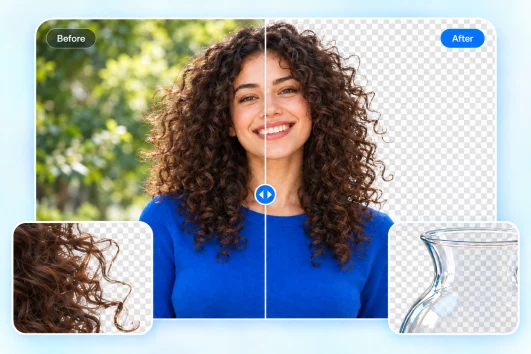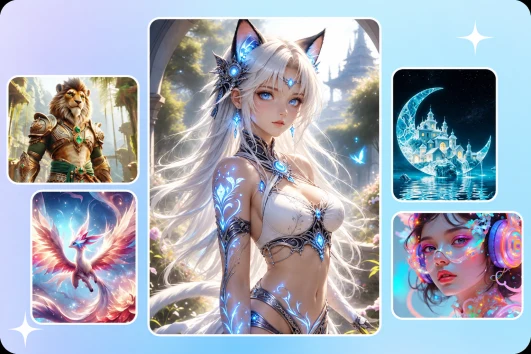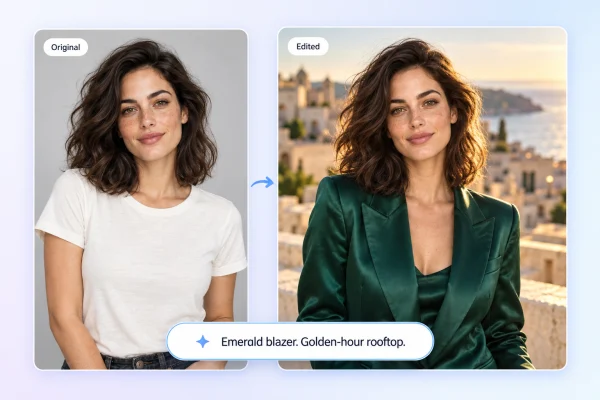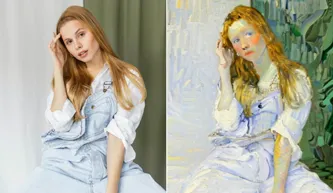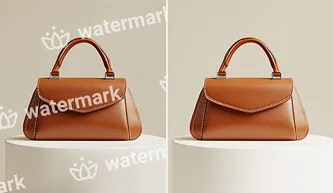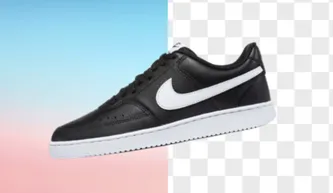
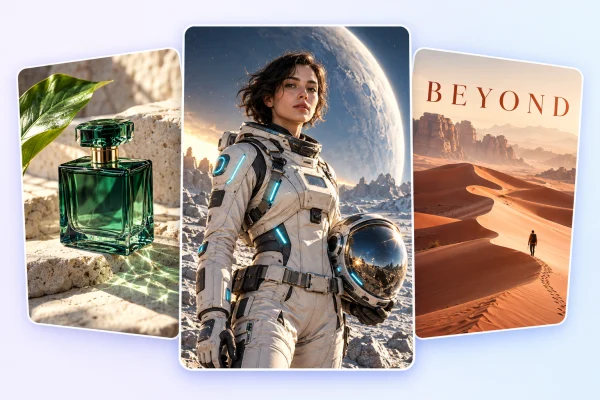
Choose a tool, add your photo, and make your edit. Simple
controls help you get started without a complex workflow.
High-Quality Results
Create clearer photos and cleaner compositions. Preview each
result and choose the edit that works for you.
Edit Anywhere
Use Picsman in your browser or mobile app to edit and create
images at your desk or on the go.
Try now for free
Get the Picsman App
Download our mobile app and enjoy editing photos on the go —
anytime, anywhere.
What Creators Say About Picsman
Ethan Turner
Simple yet incredibly potent
Picsman is a lifesaver! Its simple and user-friendly
interface makes photo editing a breeze, saving us both
time and money. We love how effortlessly we can enhance
our images without any steep learning curve. Picsman has
truly simplified our workflow, making it an essential tool
for any business.
Caleb Mitchell
Efficient and powerful
Removing and replacing backgrounds with Picsman is a
breeze! Whether it's a quick touch-up or a complete
transformation, Picsman gets the job done flawlessly.
Perfect for e-commerce, it has become our secret weapon
for stunning product images.
Emma Reynolds
Perfect for e-commerce
Picsman excels in e-commerce image perfection! Tailored
for product images, the app's suitability for e-commerce
needs, coupled with its simplicity, has elevated our
online store's visuals. Picsman is our go-to for creating
professional, eye-catching product images effortlessly.
Trusted by Creators Worldwide
FAQs About Picsman.ai
Which AI photo editing features can I try for free?
Picsman offers two free trials per day for image features,
including photo editing and image generation. You also
receive free credits when you first register. The number
of additional edits or generations available with those
credits depends on the tool and model you choose.
Do I need to register to use the AI Photo Editor?
No. You can try the AI Photo Editor without registering.
Creating an account gives you free welcome credits and
access to high-definition (HD) exports.
Can I edit existing photos and generate new images?
Yes. Use Picsman’s AI Image Editor to modify existing
photos, or use the AI Image Generator to create new images
from text prompts or reference images.
What image formats and export quality does Picsman
support?
You can upload common image formats such as JPG, PNG, and
WebP. Guest users can export in standard definition (SD),
while registered users can export in high definition (HD).
Available download formats and dimensions depend on the
tool you use.
Can I use Picsman’s AI Photo Editor on my phone?
Yes. Picsman works in your mobile browser and is also
available as an app. You can edit photos and generate
images on your phone.
Start Editing Photos with Picsman
Bring out the best in your photos, from a quick cleanup to a
whole new look.
Try now for free
We use cookies to provide you with better experience. By
continuing, you acknowledge that you have read,understood
and agreed our
Cookie Policy.
FAQs About Picsman.ai
Which AI photo editing features can I try for free?
Do I need to register to use the AI Photo Editor?
Can I edit existing photos and generate new images?
What image formats and export quality does Picsman support?
Can I use Picsman’s AI Photo Editor on my phone?