


Happyhorse 1.0 AI Video Model
Create complete AI videos with Happyhorse 1.0—generate visuals, voiceovers, and sound in one workflow with accurate lip-sync, perfect for tutorials, explainers, and fast social content.
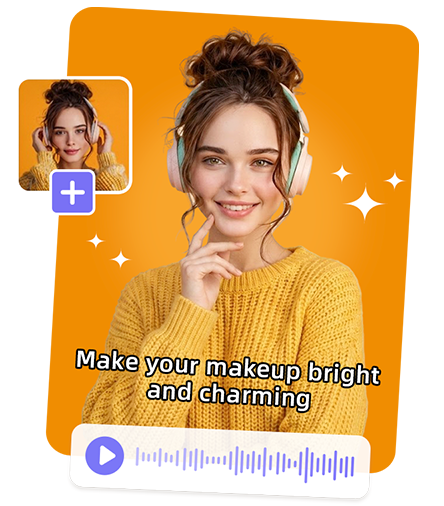
Generate Video with Sound in One Click with Happyhorse 1.0
Generate Video with Sound in One Click with Happyhorse 1.0
Create complete videos with synchronized audio, voice, and visuals in a single AI-powered workflow
Simultaneous Video and Audio Generation in One Workflow
Happyhorse 1.0 generates both visuals and soundtracks at the same time, eliminating the need for separate audio production. From background music to dialogue, everything is produced in sync with the video, ensuring seamless timing and a cohesive final output ready for publishing.
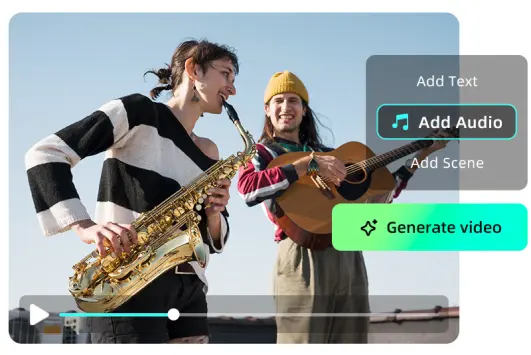
AI-Powered Automatic Voiceover for Effortless Video Creation
With built-in voice generation, Happyhorse 1.0 can automatically create natural-sounding voiceovers from text prompts. It supports different tones and styles, allowing creators to produce narration, explanations, or character voices without manual recording or external tools.
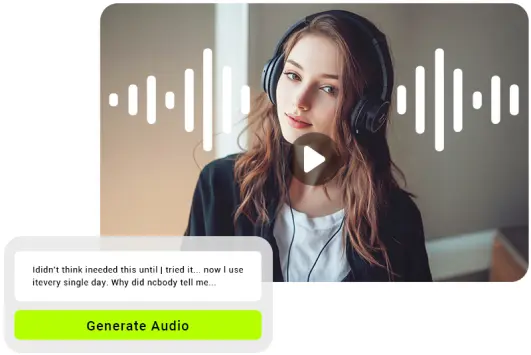
Accurate Lip-Syncing for Natural Talking AI Videos
Happyhorse 1.0 features precise lip-sync technology that aligns spoken audio with on-screen character movements. This ensures realistic mouth motion and expression, making AI-generated talking videos look natural, engaging, and suitable for presentations, storytelling, or social content.
Simultaneous Video and Audio Generation in One Workflow
Happyhorse 1.0 generates both visuals and soundtracks at the same time, eliminating the need for separate audio production. From background music to dialogue, everything is produced in sync with the video, ensuring seamless timing and a cohesive final output ready for publishing.
AI-Powered Automatic Voiceover for Effortless Video Creation
With built-in voice generation, Happyhorse 1.0 can automatically create natural-sounding voiceovers from text prompts. It supports different tones and styles, allowing creators to produce narration, explanations, or character voices without manual recording or external tools.
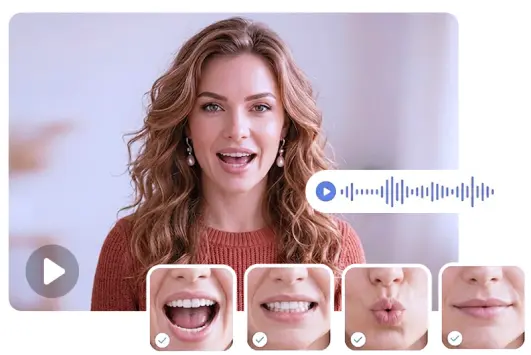
Accurate Lip-Syncing for Natural Talking AI Videos
Happyhorse 1.0 features precise lip-sync technology that aligns spoken audio with on-screen character movements. This ensures realistic mouth motion and expression, making AI-generated talking videos look natural, engaging, and suitable for presentations, storytelling, or social content.
Best Use Cases for HappyHorse AI
Create voice-driven videos quickly with synced audio and visuals for multiple content needs
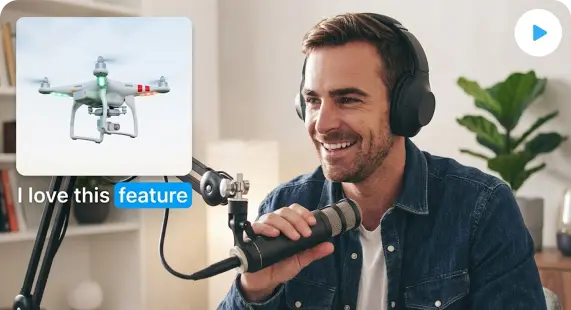
Commentary Videos
Generate talking videos with natural voiceovers and lip-sync for opinions, reactions, or news

Rapid Content for TikTok
Produce fast, engaging short videos with voice and visuals ready for quick social posting
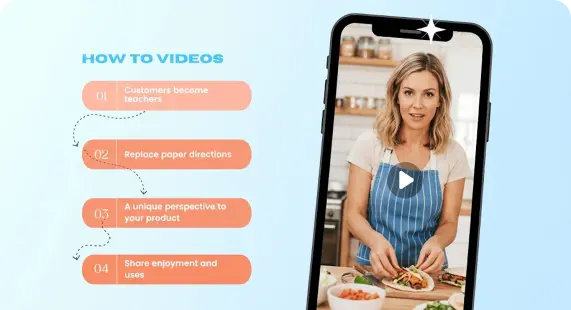
Tutorial Videos
Turn scripts into clear instructional videos with automatic narration and synced visuals

Product Explainer Videos
Create concise product demos with voiceover and visuals to highlight features and benefits
More useful tools from Picsman
More useful tools from Picsman


They Love Creating with Picsman
They Love Creating with Picsman

VenomStrike

Natural Voice Generation
The voiceover quality is better than I expected. It sounds clear and fairly natural, and I can adjust tone depending on the content. For quick explainer or commentary videos, it’s more than good enough.

Axel
Accurate Lip Sync
Lip-syncing is surprisingly precise. The mouth movements match the audio closely, which makes talking videos feel much more realistic. It’s especially useful for content where a virtual presenter is needed.

Zane
Trend-Ready Visuals
You don’t need much technical skill to get started. The process is straightforward, and the AI handles most of the complexity. It’s a good option for creators who want quick results without a steep learning curve.



Get Picsman APP
now
Download our mobile app and enjoy editing photos on the go — anytime, anywhere.




All-in-one photo editor with powerful AI. Contact us: support@picsman.ai


Free Tools

Copyright © PICSMAN INC.
Terms of Use | Privacy Policy | Billing Policy | Cookie Policy

English

FAQs About Picsman’s Happyhorse 1.0 Model
1. What is Alibaba HappyHorse 1.0?
2. Is my data private and secure with HappyHorse?