Nano Banana Tutorial: How to Use Google Gemini Image Editor
Learn the fastest ways to use Nano Banana image editing (Gemini 2.5 Flash Image), from quick fixes to advanced blends—inside Google Gemini and Picsman Nano Banana AI.

Welcome to the Picsman.ai Blog! We provide tips and tutorials for various image editing tools, including the latest updates on AI-powered image editing.
Welcome to the Picsman.ai Blog! We provide tips and tutorials for various image editing tools, including the latest updates on AI-powered image editing.

Learn the fastest ways to use Nano Banana image editing (Gemini 2.5 Flash Image), from quick fixes to advanced blends—inside Google Gemini and Picsman Nano Banana AI.

Learn Nano-banana (Gemini 2.5 Flash Image) fast: what it is, where to use it free, and 18 polished editing prompts with step-by-step tips.
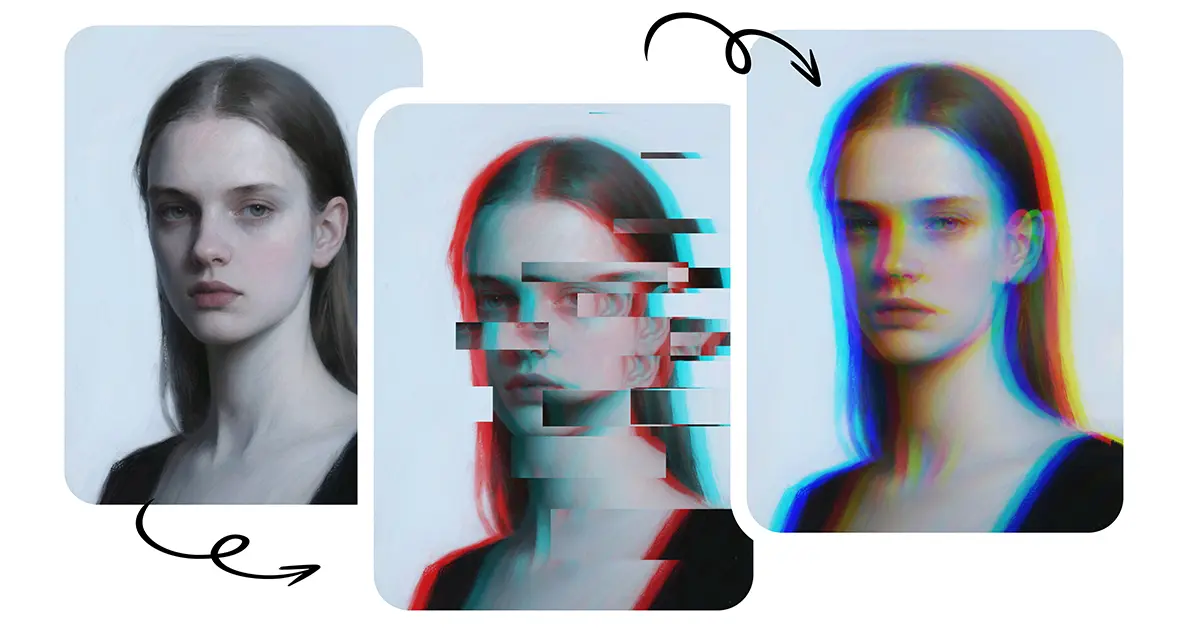
Learn how to create a glitch effect on photos easily. Discover What is a glitch effect and why Picsman is the best tool to apply glitch filters.
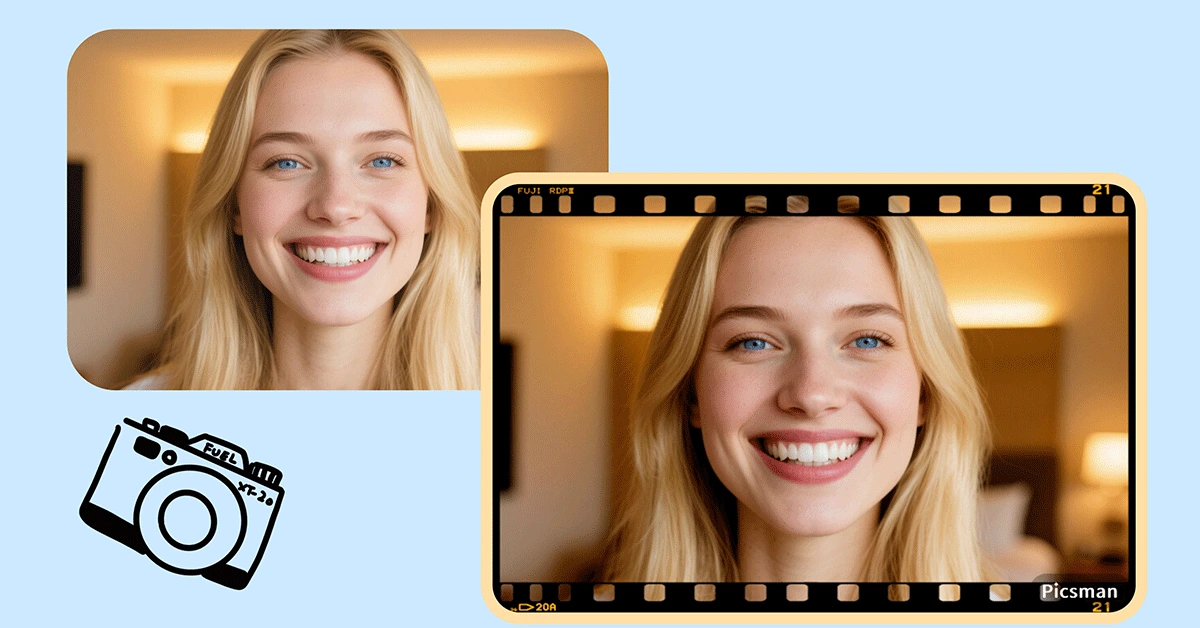
Add a photo frame effect with Picsman in a few clicks, perfect for any occasion or platform, ensuring your images stand out.
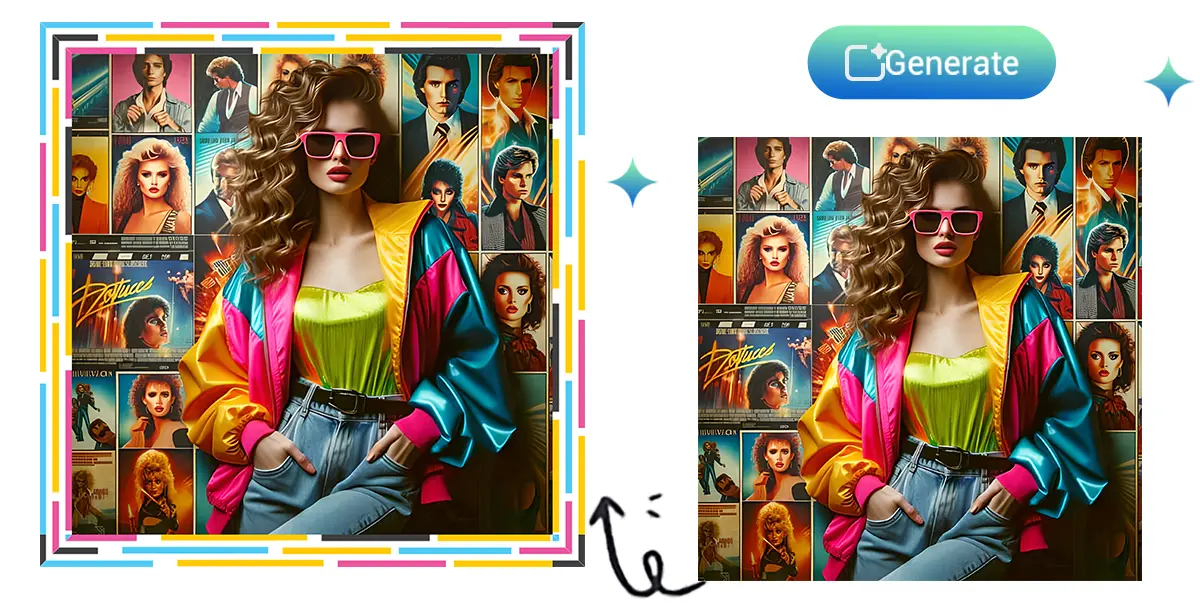
Learn how to add a frame to your photos using a photo frame maker free online. Enhance your images easily with customizable borders and effects.
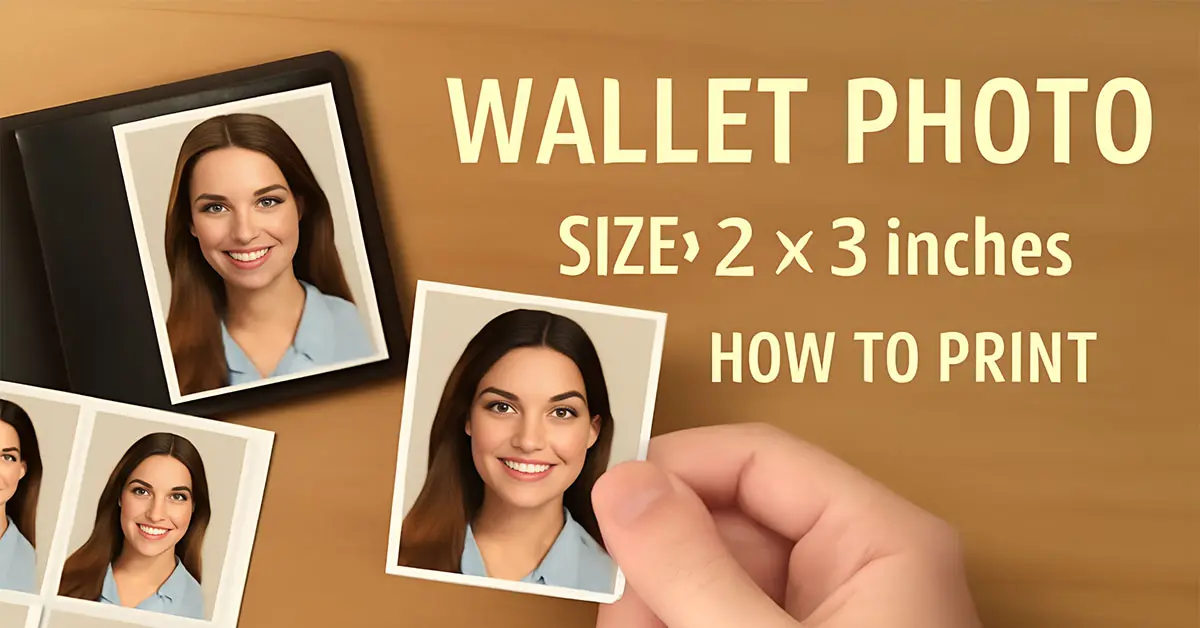
Learn everything about wallet-sized photo dimensions, printing, and framing.
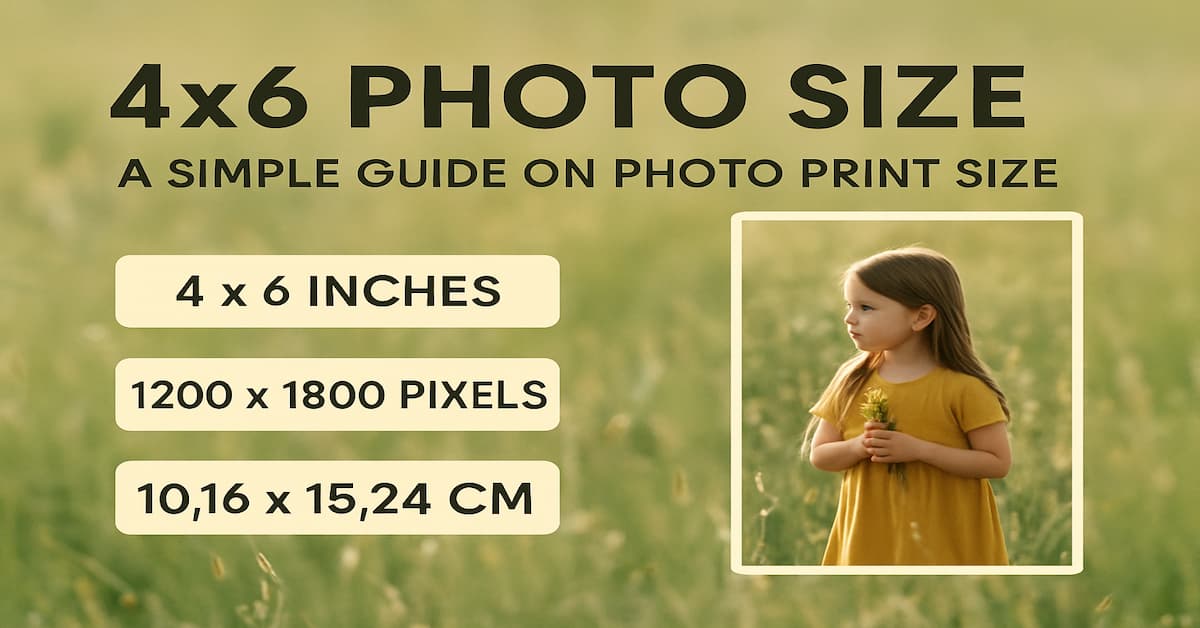
Learn about standard photo size, and the aspect ratio of photos, especially 4x6 photo size.

Learn how to easily use a free curved text generator to add stylish, curved text to your designs.
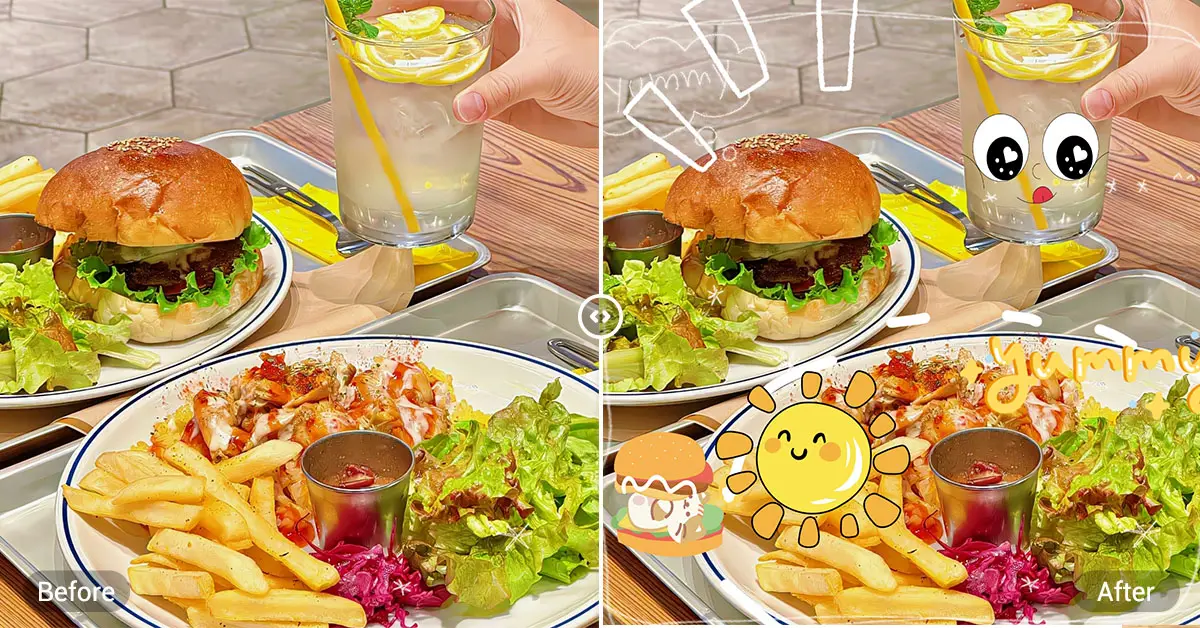
Learn how to add a sticker to a picture on iPhone with simple composition tips for stunning results.